Procedural Gothic Cathedral
Fully procedural cathedral generator in Houdini, rendered in UE5
Overview
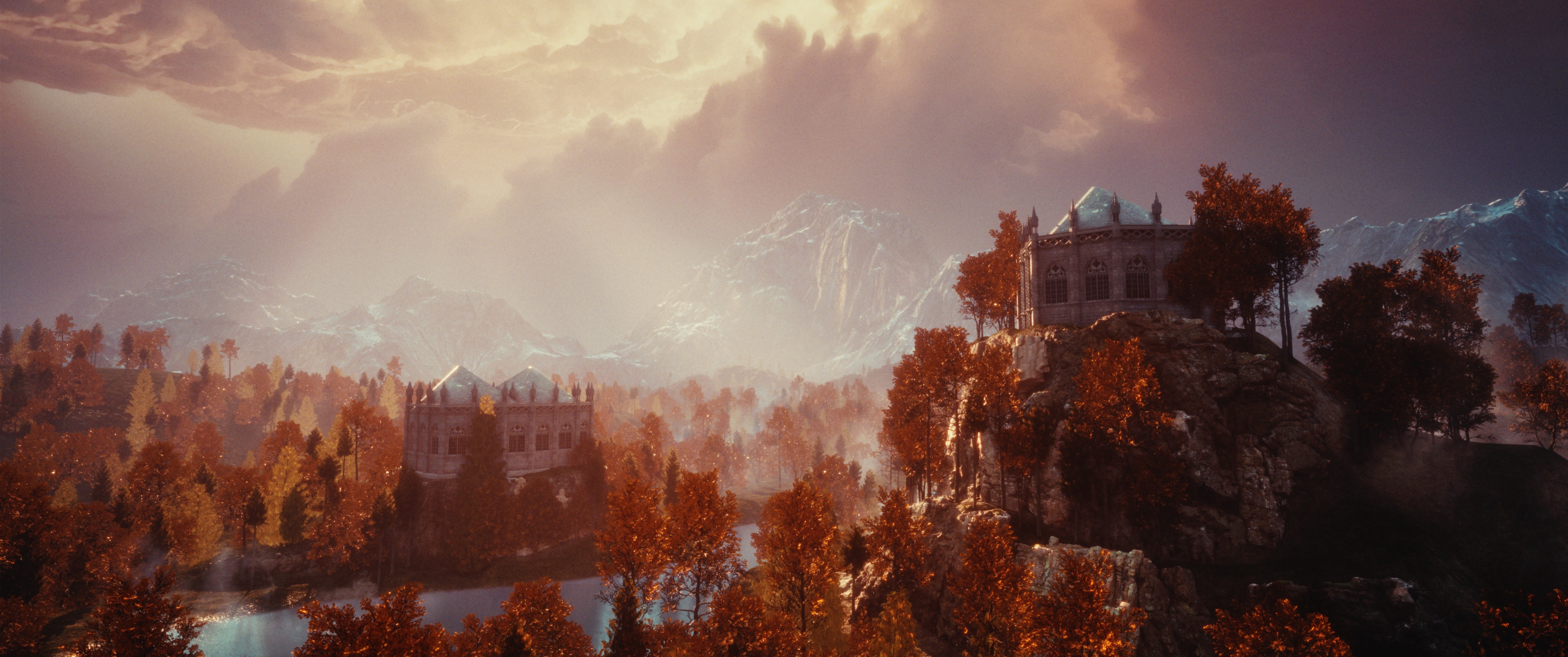
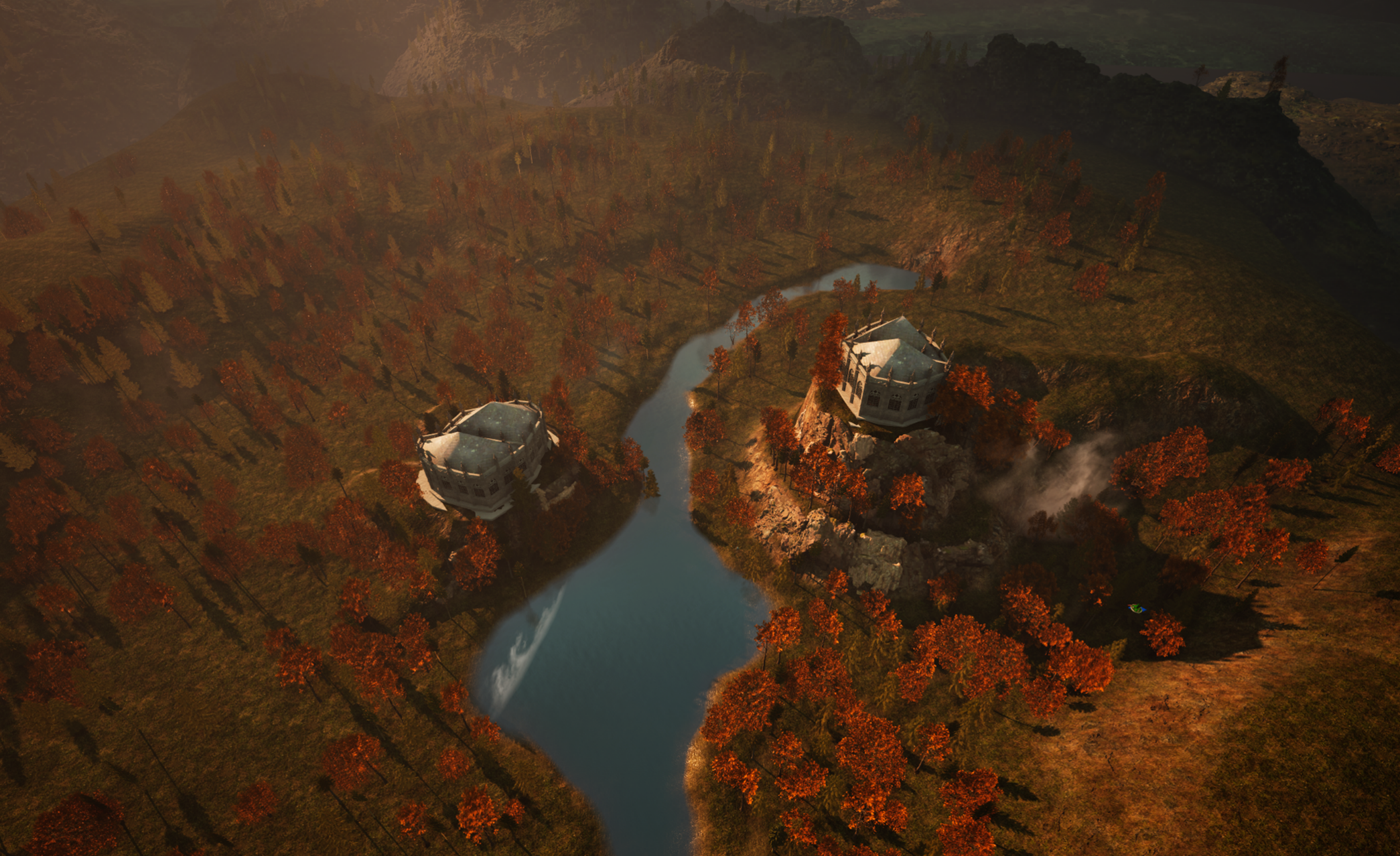
This project consists of a procedural gothic cathedral creation tool made in Houdini, plus an environment created using that tool and Unreal Engine 5.
Houdini Features
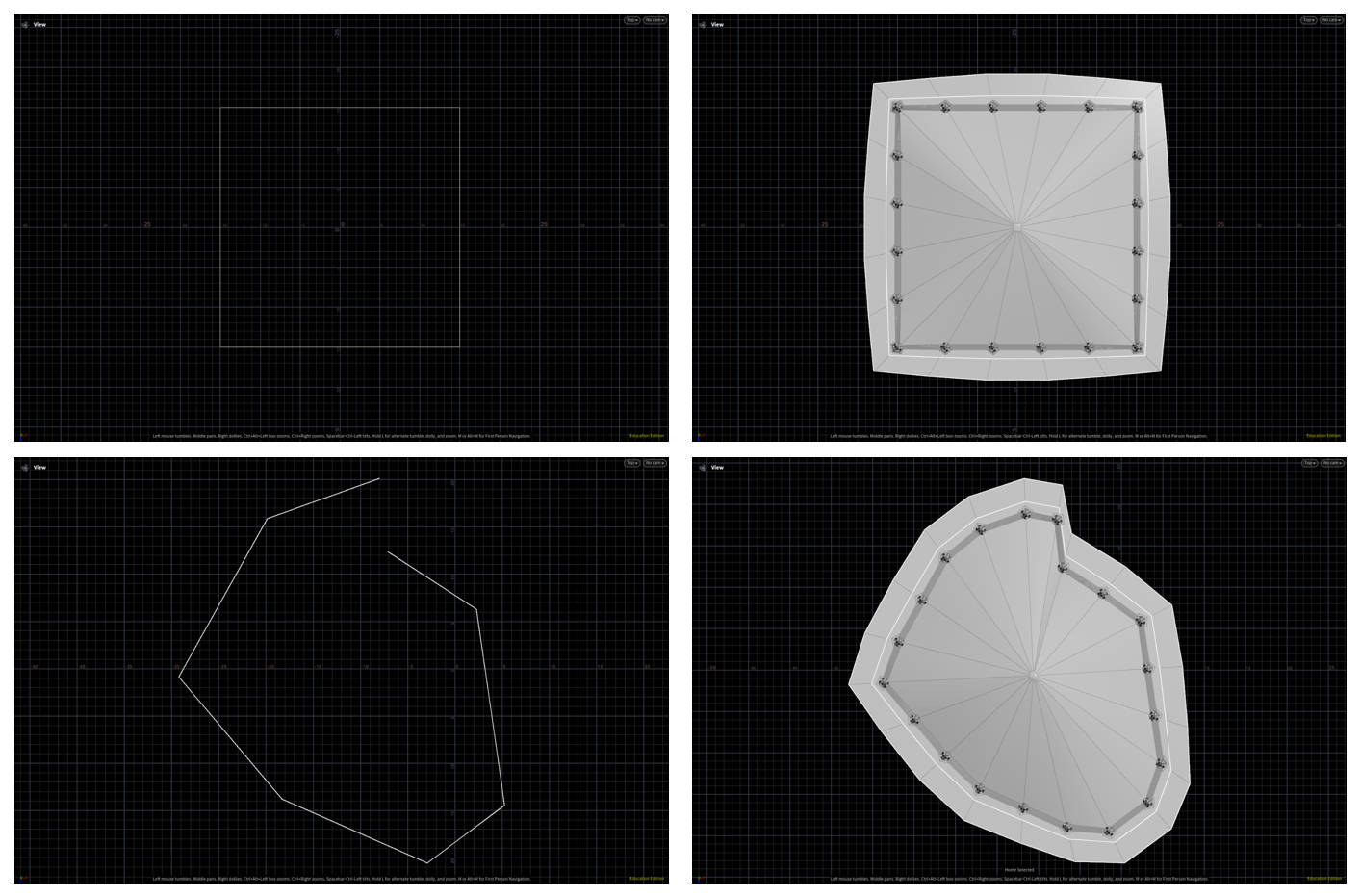
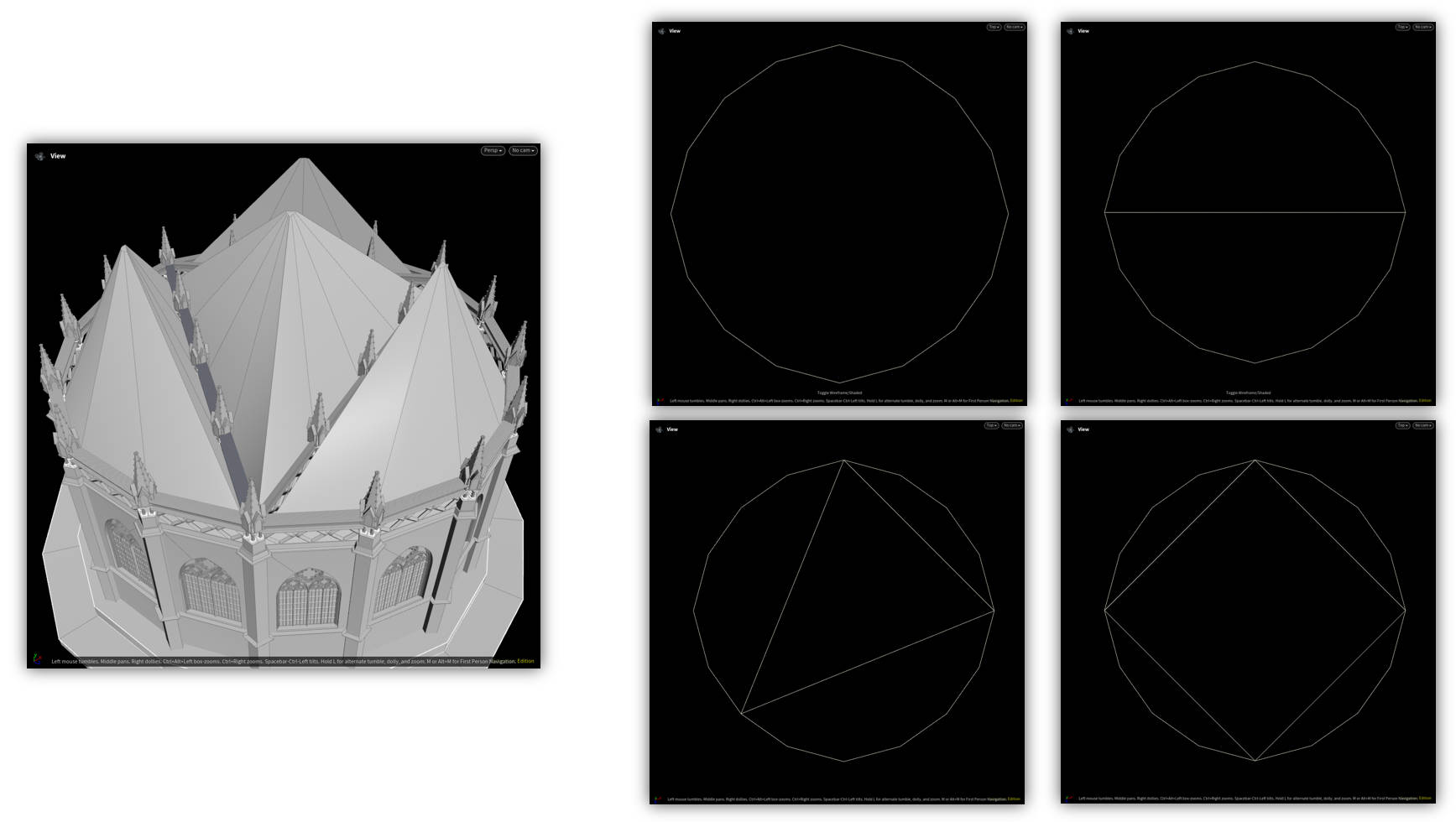
Curve-Based Input Shape — Allows the user to input an arbitrary shape, regardless of whether it’s closed or not, and use it as the foundation shape to construct geometry.
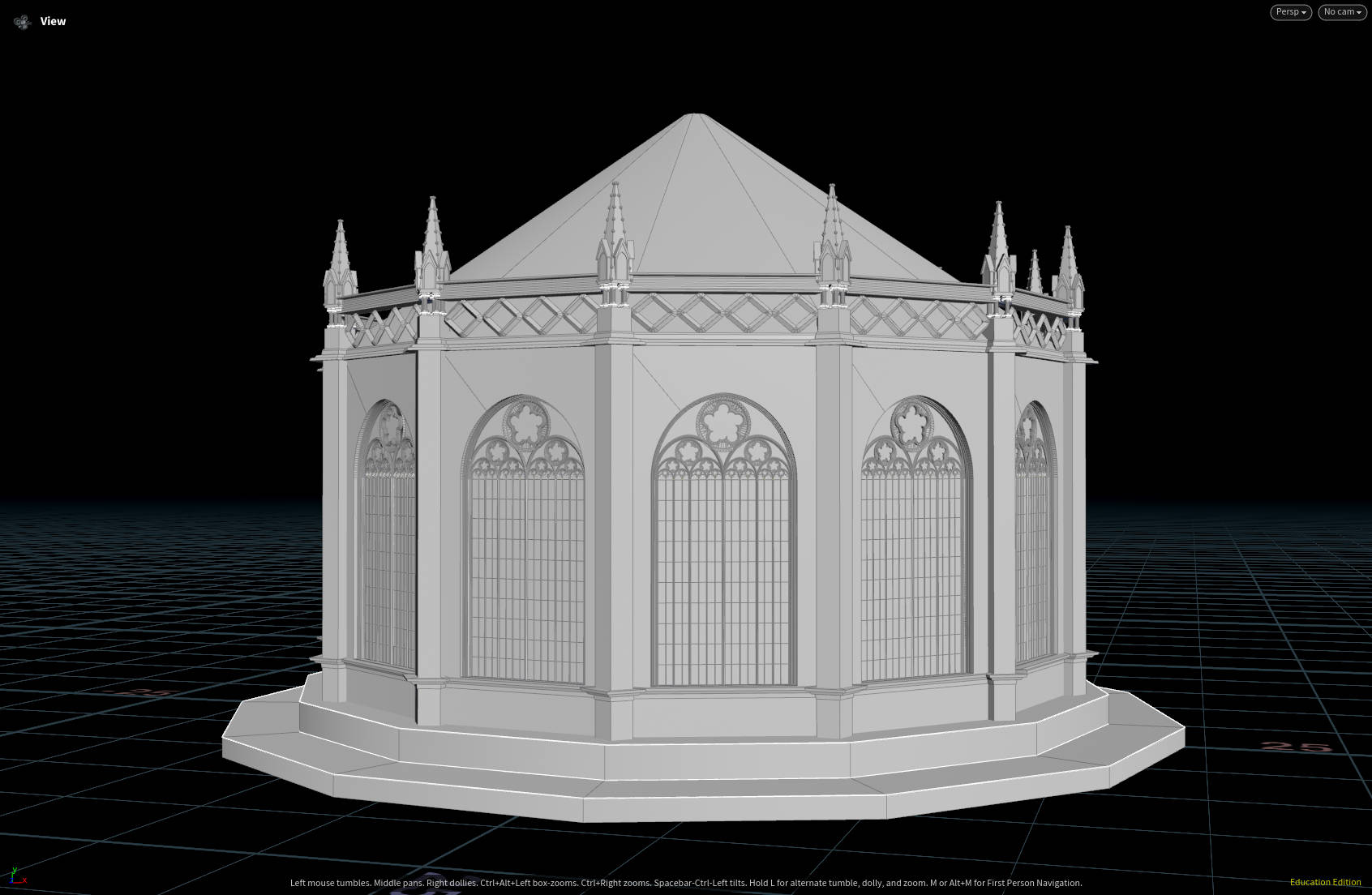
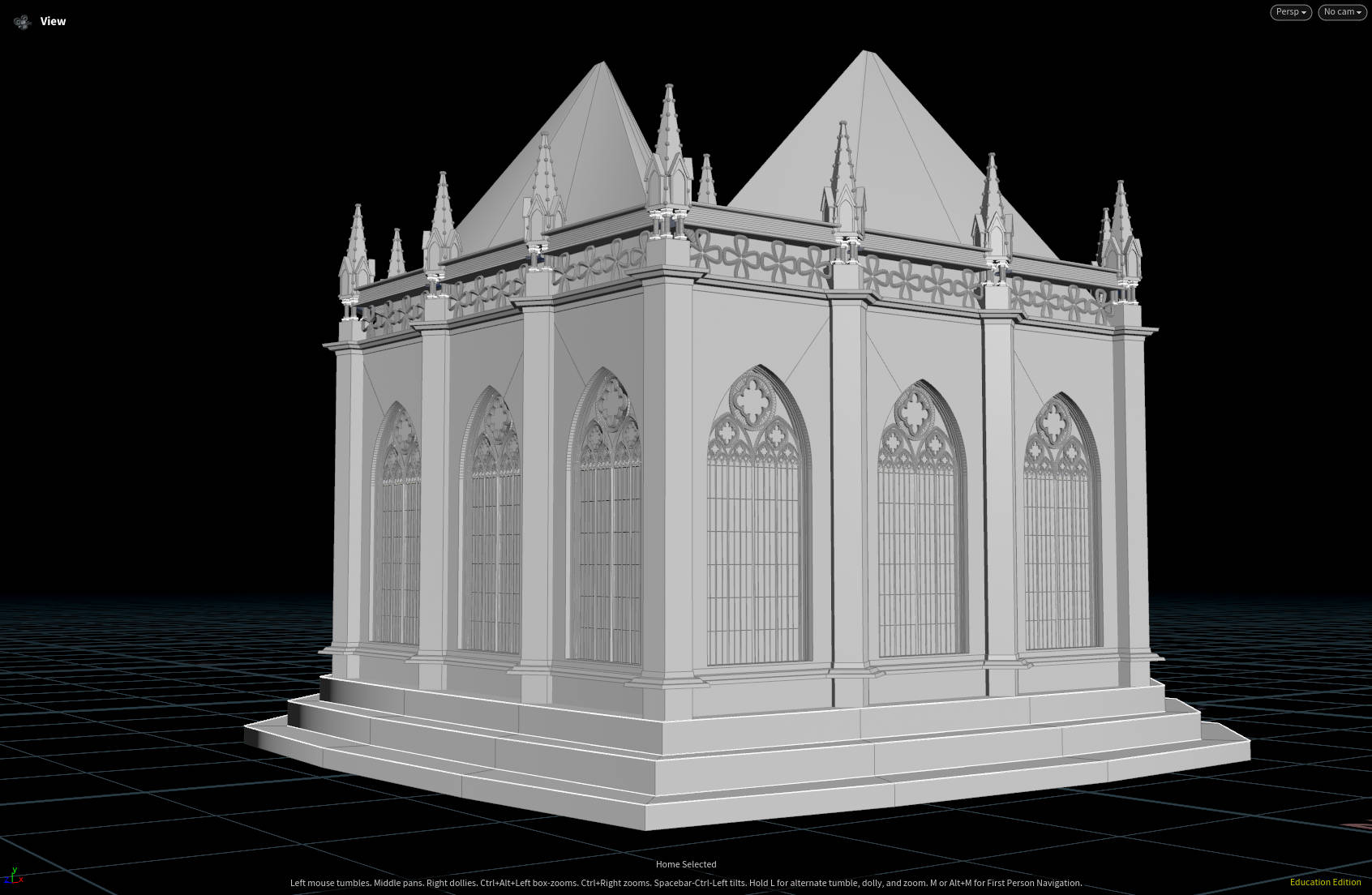
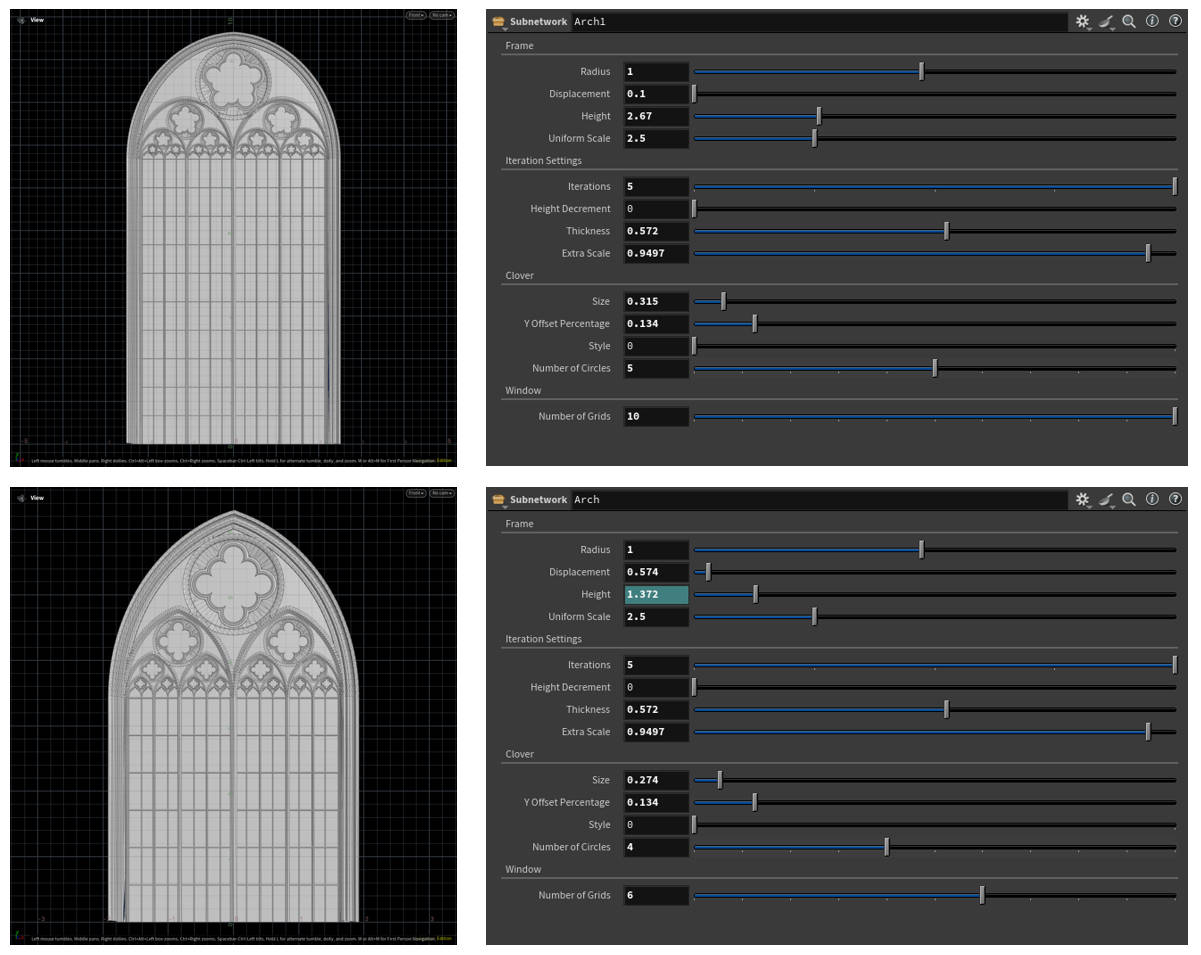
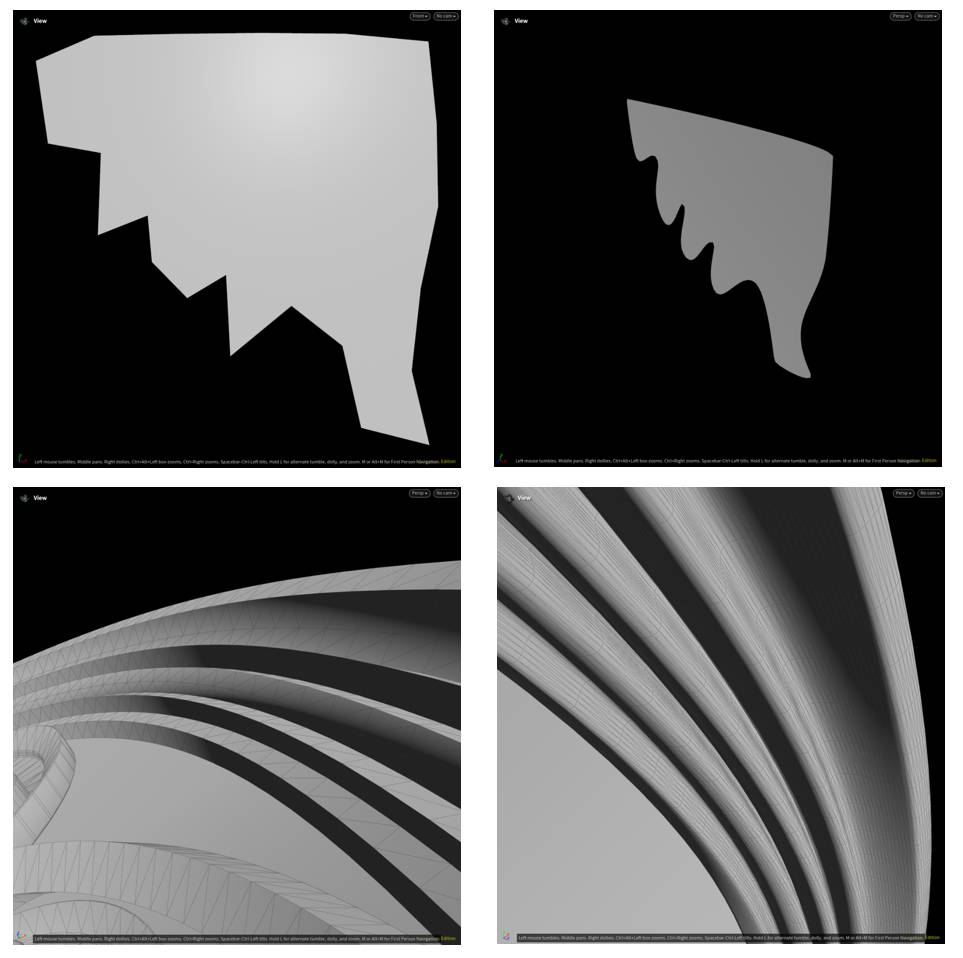
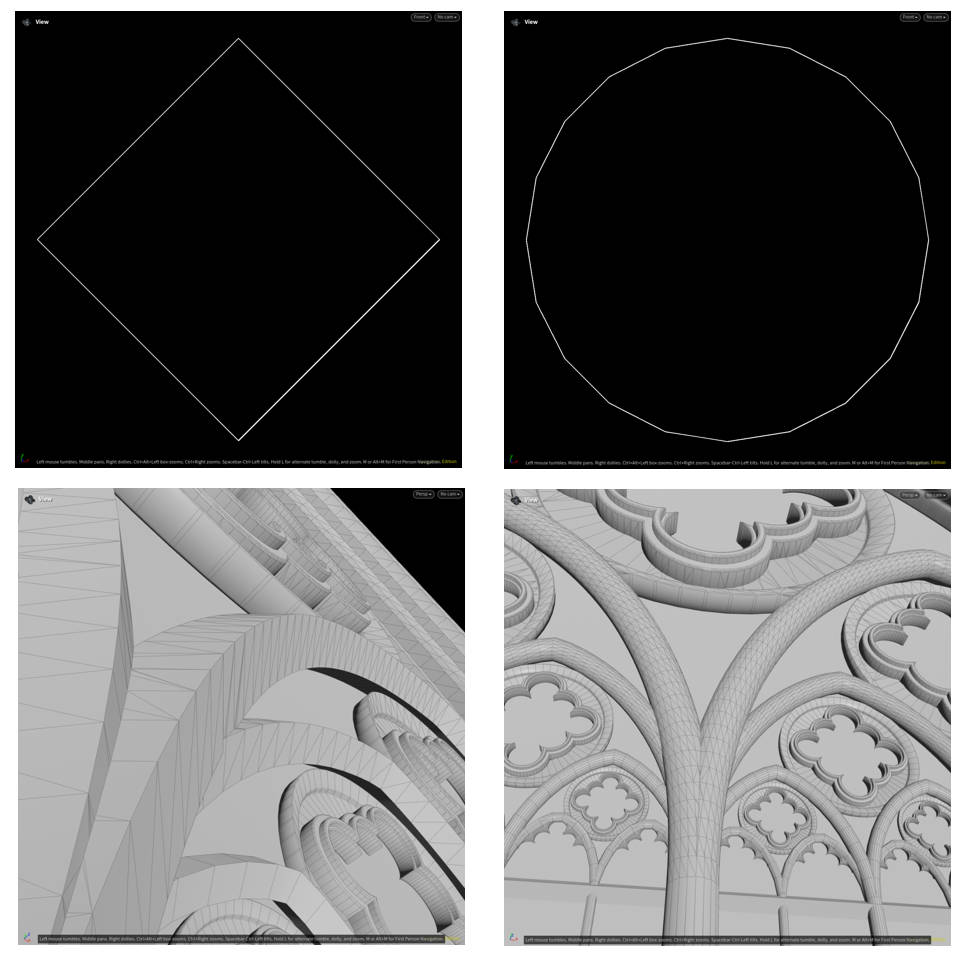
Arch Windows — This is probably the hardest part of the whole project. The high-level idea is using a for-each loop to generate 2-to-the-power-of-iteration-count pieces of geometry. The main challenges were boolean geometry between different iterations, and the special cases of the first and last iterations. For this part I also made a Clover-maker sub-tool, which contributed a lot to the gothic look of the windows. The Arch Windows also support a user-input primary & secondary curve profile, used to define the shape of the main and secondary arches.
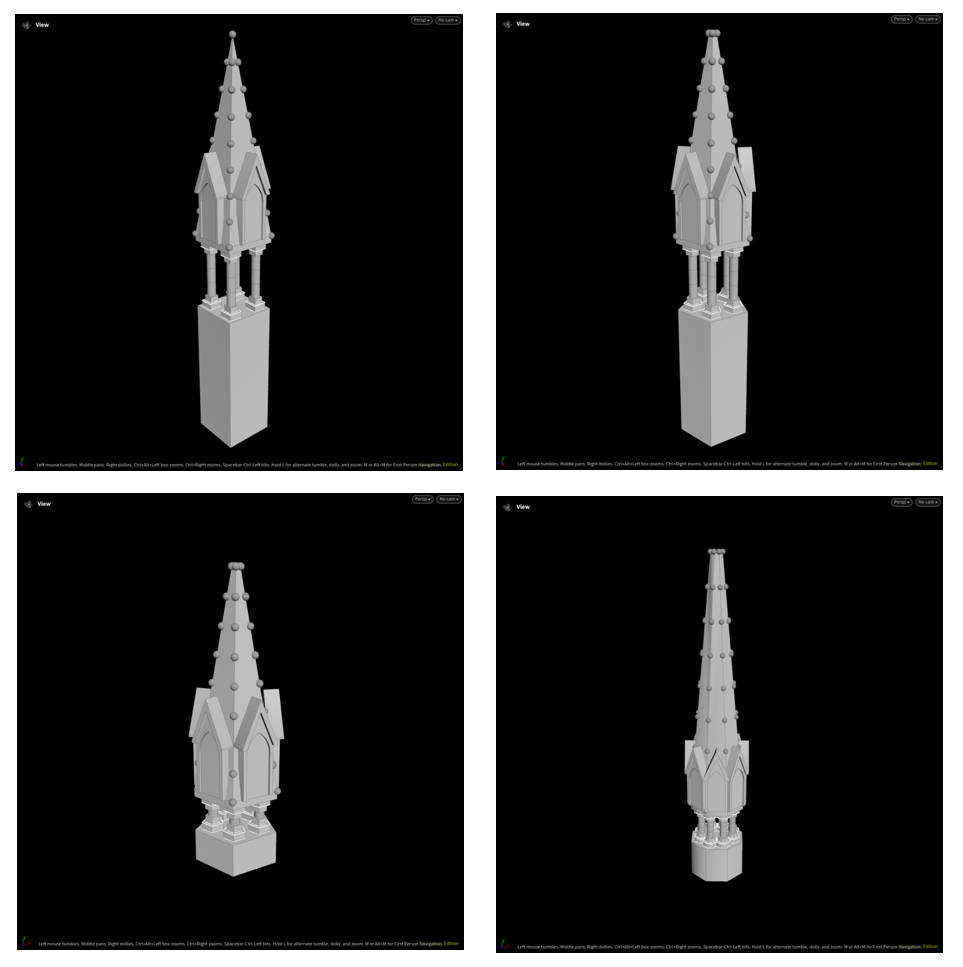
Pinnacle — For this I used a very simplified version of the Arch Windows HDA to create the simple window shapes, then took the shape of the supporting pillars to generate the base shape.
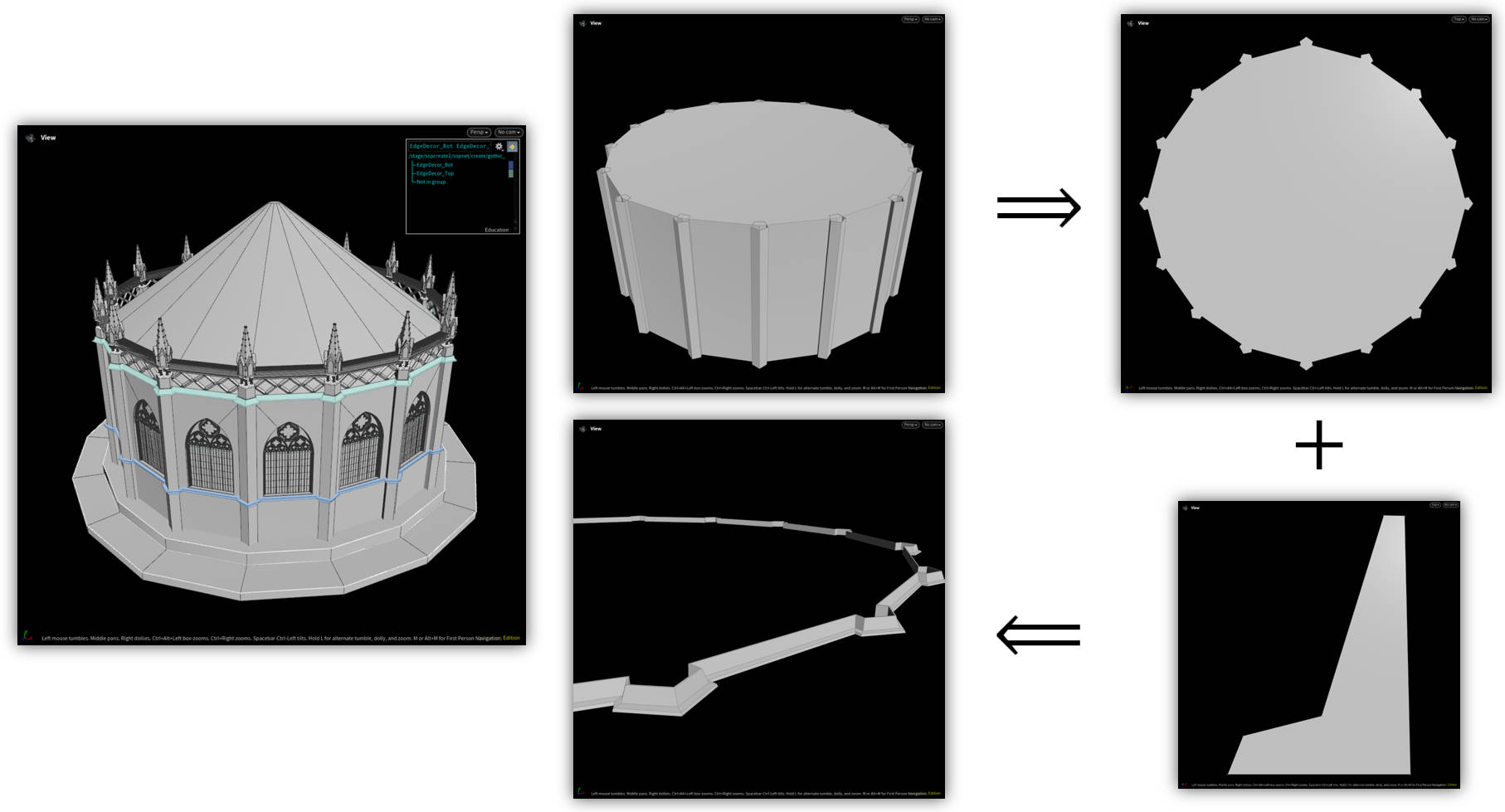
Edge Decoration — The borders automatically adapt to the shape of the building, achieved by extracting the silhouette of the base shape. Then any user-defined curve profile can be used to generate the shape.
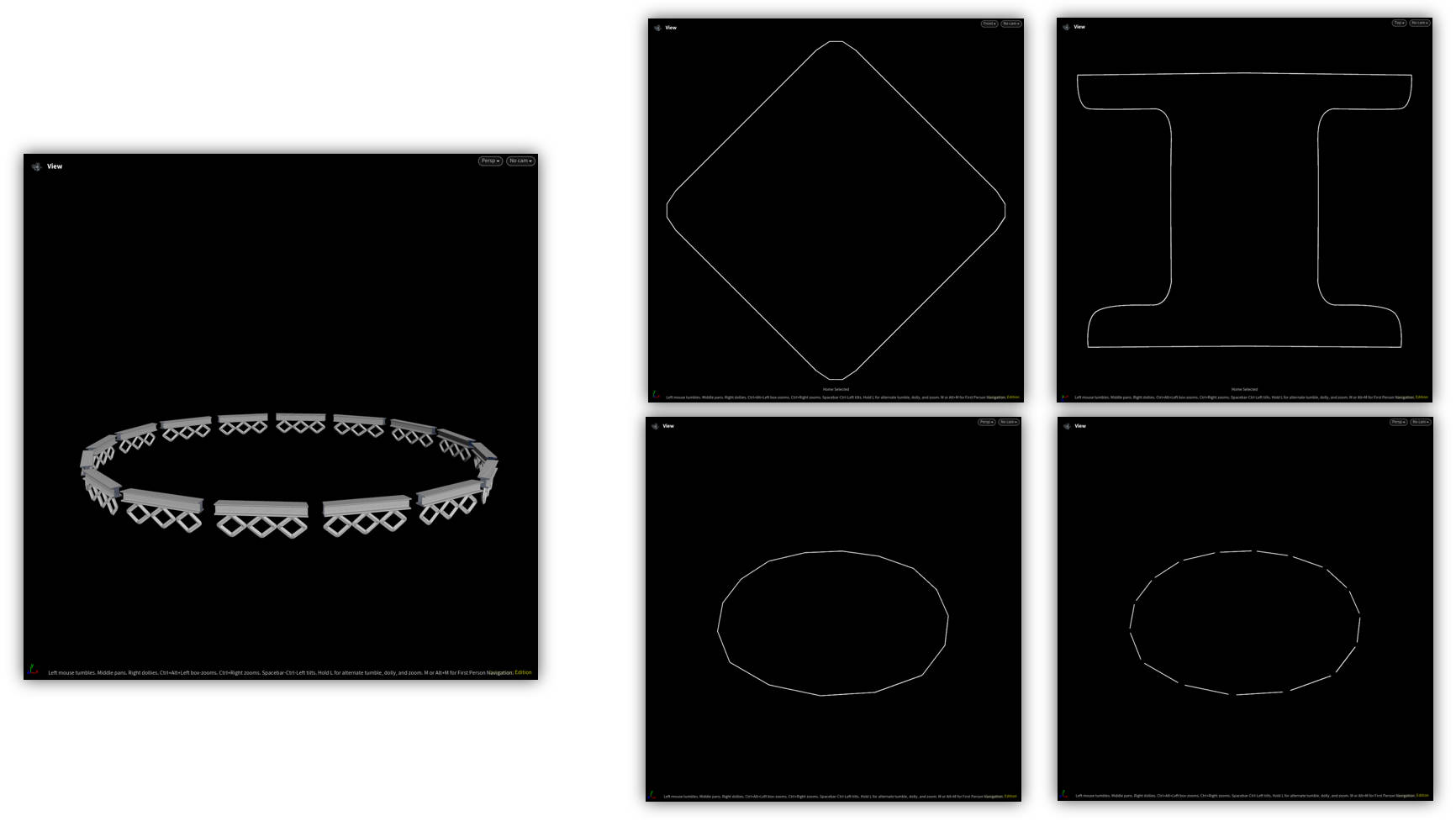
Fence — Also allows user-input shapes to be used as the fence pattern. The basic logic behind this: extract the edges from the base shape, then shrink each edge to leave room for the pillars, and sweep it with a curve profile to generate geometry. I also used the Chain SOP so that each pattern sits perfectly next to the last.
Unreal Environment
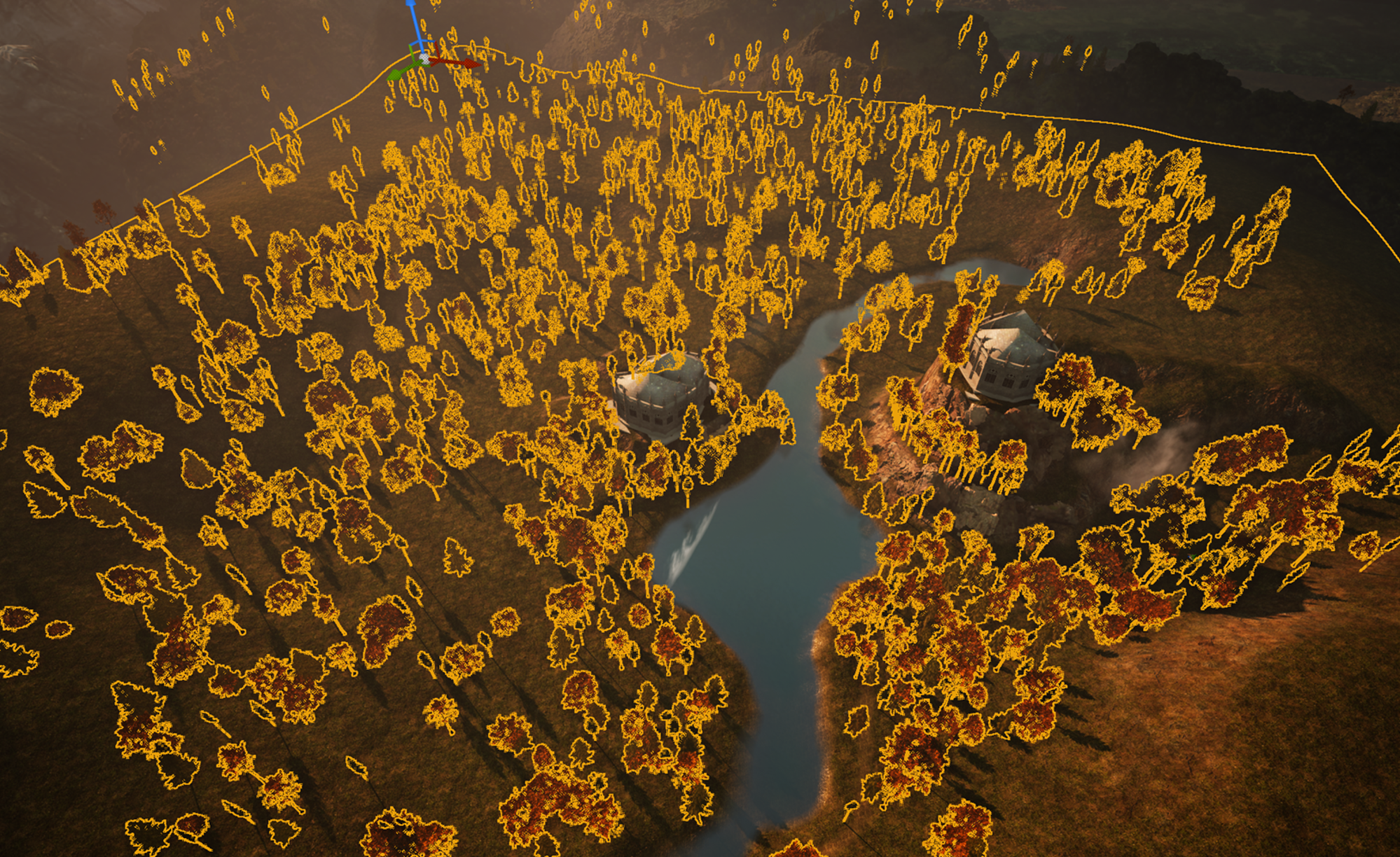
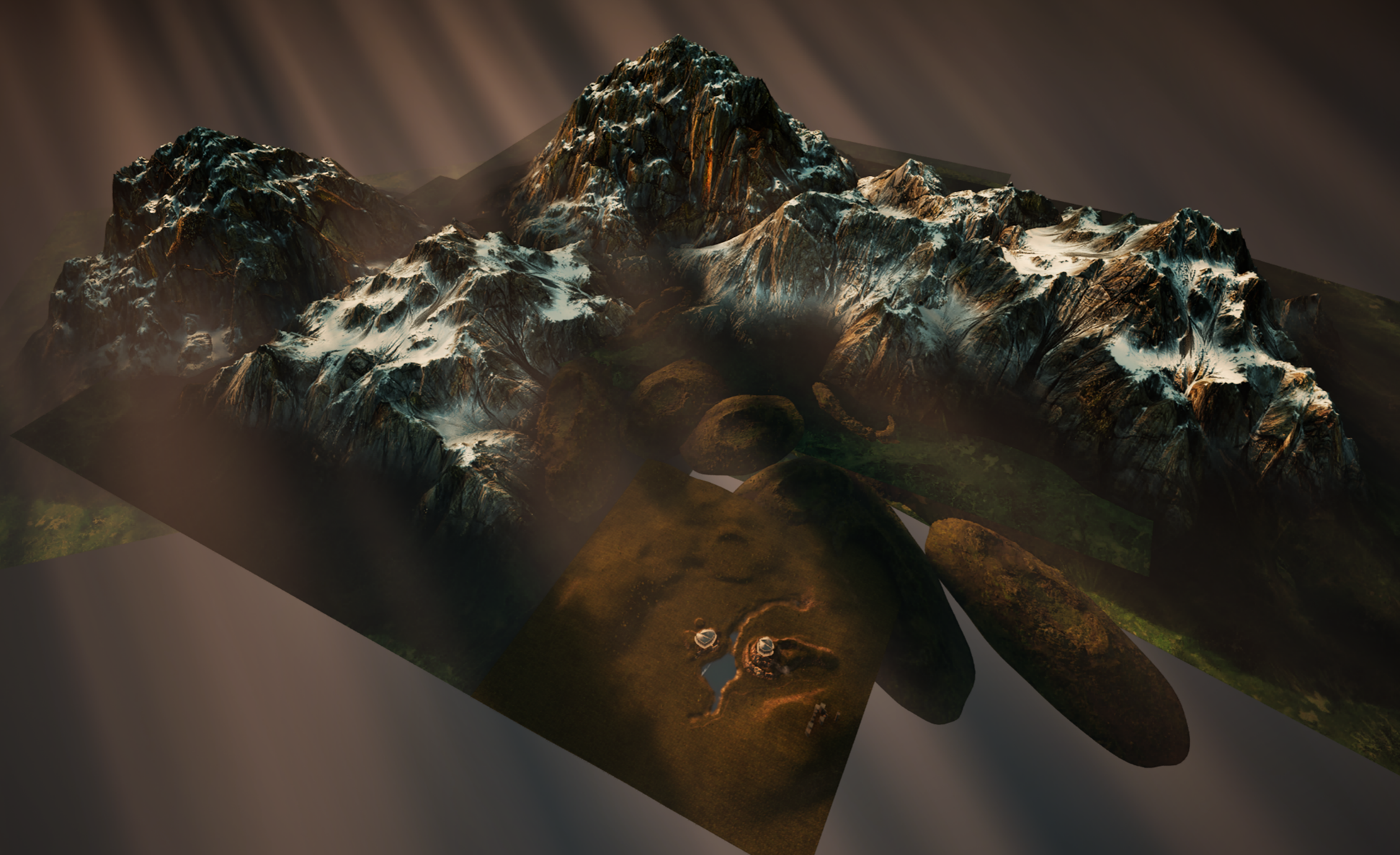
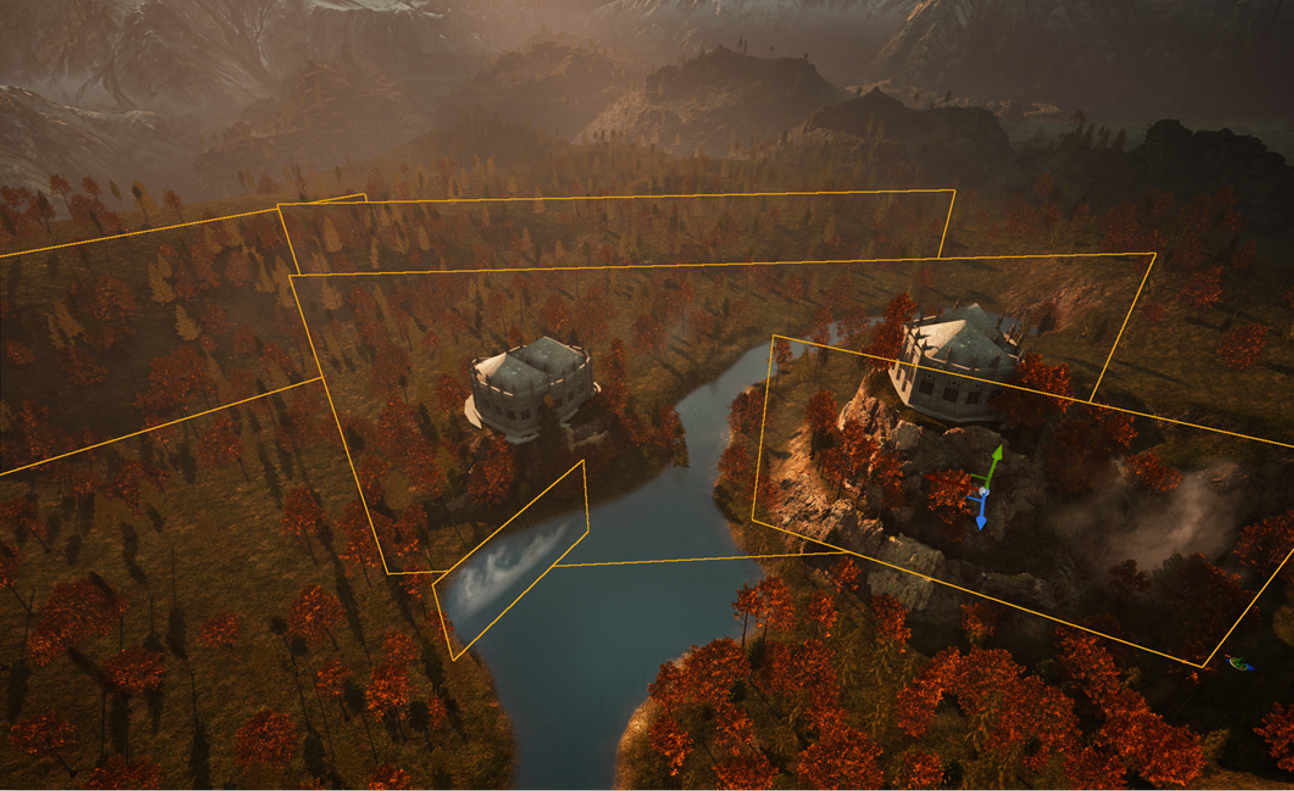
I thought I would try to use my tool in a somewhat “production workflow”. So I first sculpted a base terrain, then used a bunch of Megascans assets from FAB to decorate the environment (trees, rocks, mountains). Then I used my tool in Houdini to create two cathedral variants and simply imported them into UE as FBX. I also tried using Houdini Engine to run the tool directly inside UE and adjust parameters in real time — however, Houdini Engine was extremely slow and buggy and the geometry looked nothing like what it would in Houdini… so scratch that.
Since every part was already UVed in Houdini, I could simply use existing wall and brick textures to shade my cathedrals.